- Home
- Podporovaní brokeři
- Strike
Daně z bitcoinu u Strike 2026: jak je přiznat
Snadno spočítejte daně z bitcoinu u Strike s Tax-Wizard. Exportujte roční výpis transakcí ze Strike a zautomatizujte daňové přiznání za rok 2026.
Naposledy aktualizováno: · Zkontrolováno týmem Tax-Wizard · Oficiální centrum nápovědy Strike ↗
Tento návod je určen všem, kdo nakupují Bitcoin přes Strike a chtějí mít jasno v tom, jak odvést daně. Uvedené informace by vám měly pomoci při výpočtu daní ze Strike. Je ale důležité doplnit si tento návod o daňové předpisy platné ve vaší zemi.
Pokud potřebujete spočítat daně ze svého Bitcoinu na Strike, jste na správném místě! Možností je několik — spočítat daně ručně v Excelu, použít automatický daňový nástroj jako Tax-Wizard, nebo se obrátit na daňového poradce. Volba obvykle závisí na vašem rozpočtu a preferencích.
Jak exportovat historii ze Strike
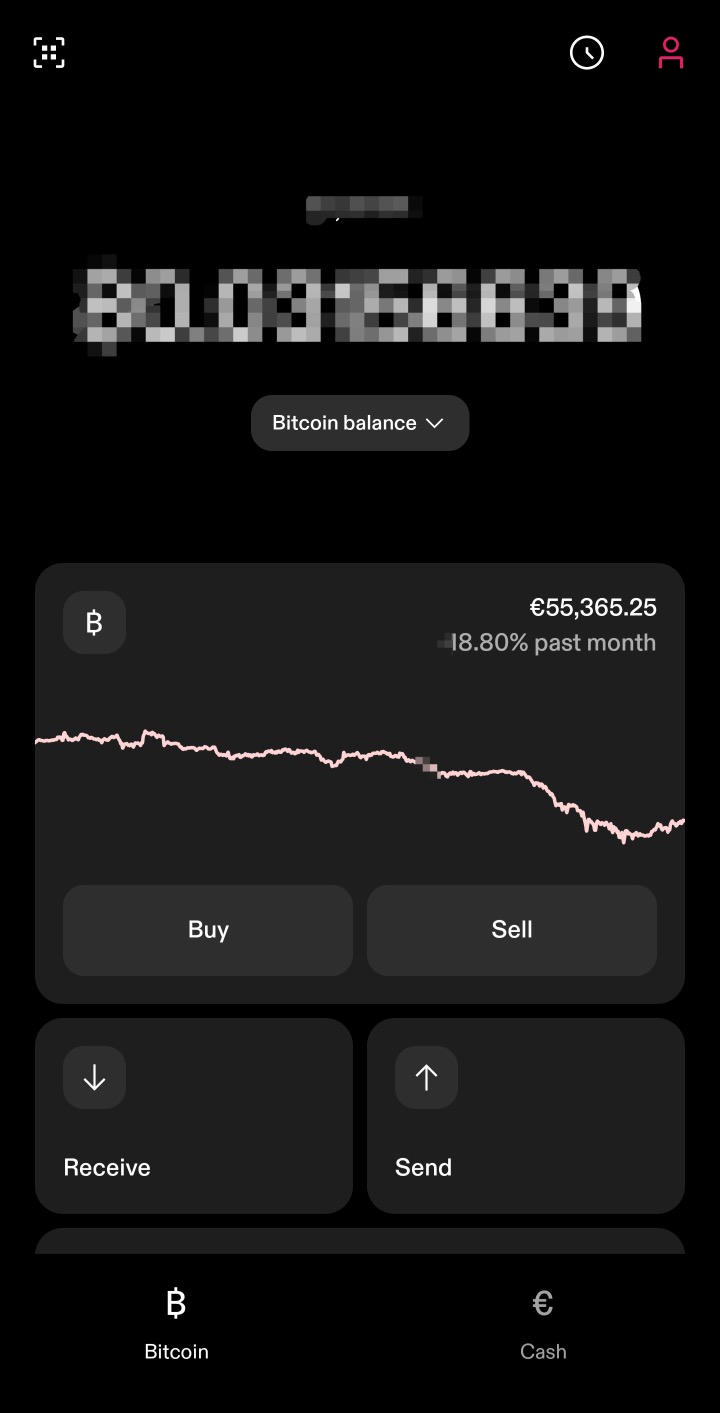
Začněte otevřením aplikace Strike a klepněte na ikonu účtu v pravém horním rohu hlavní obrazovky.
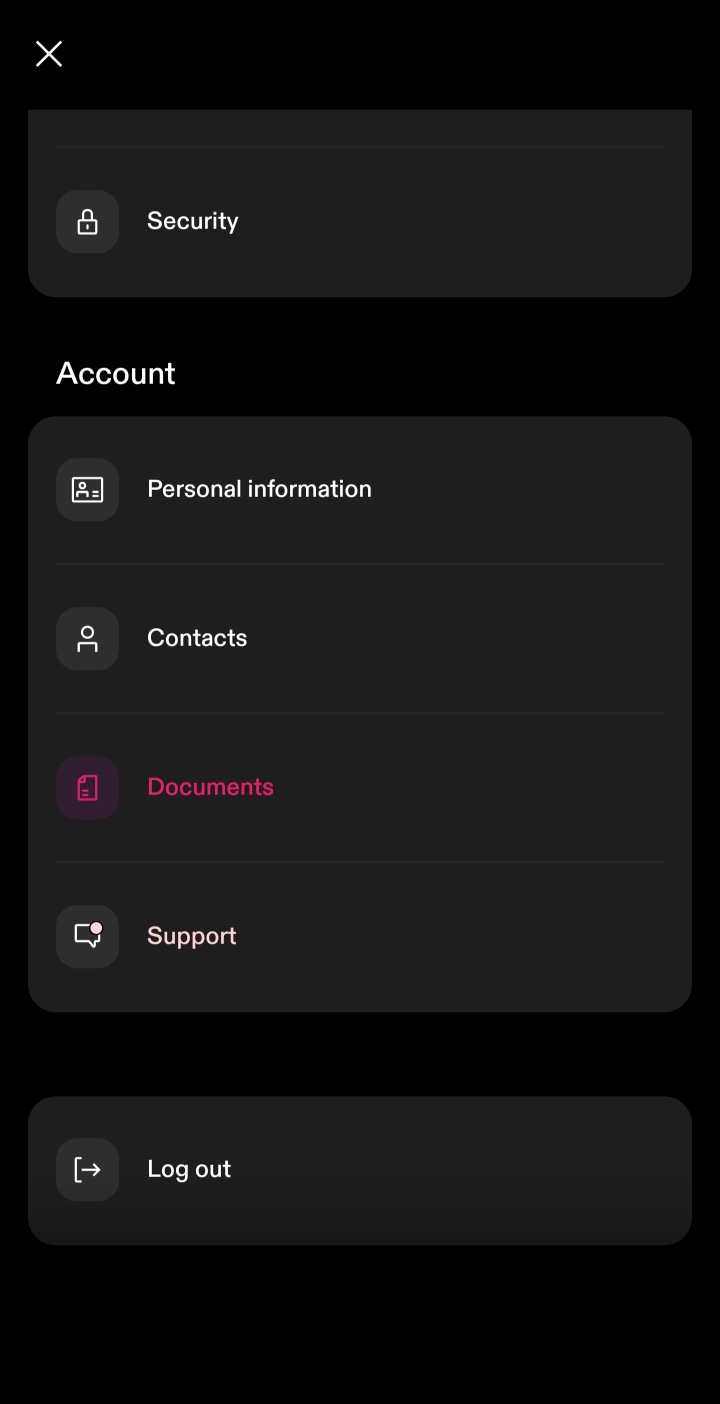
Sjeďte dolů k sekci "Account" a zvolte "Documents".
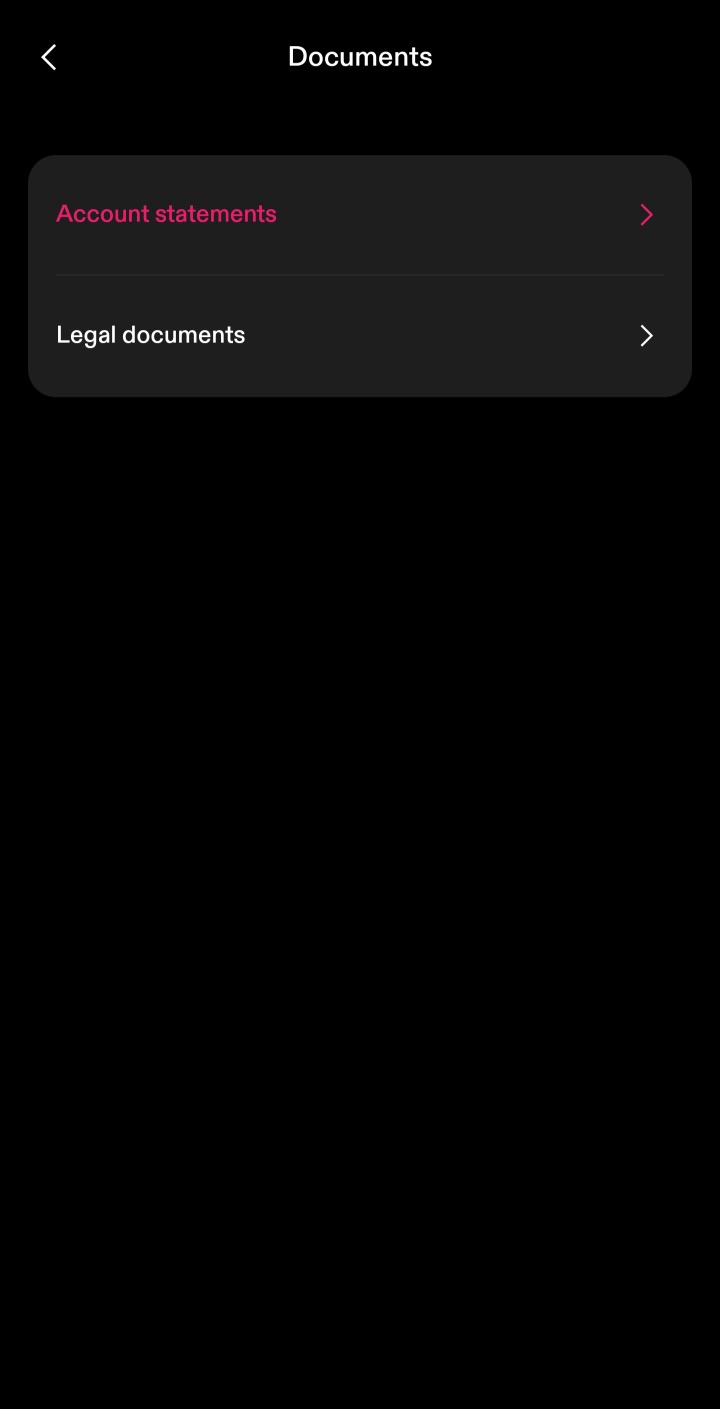
V sekci Documents zvolte "Account statements".
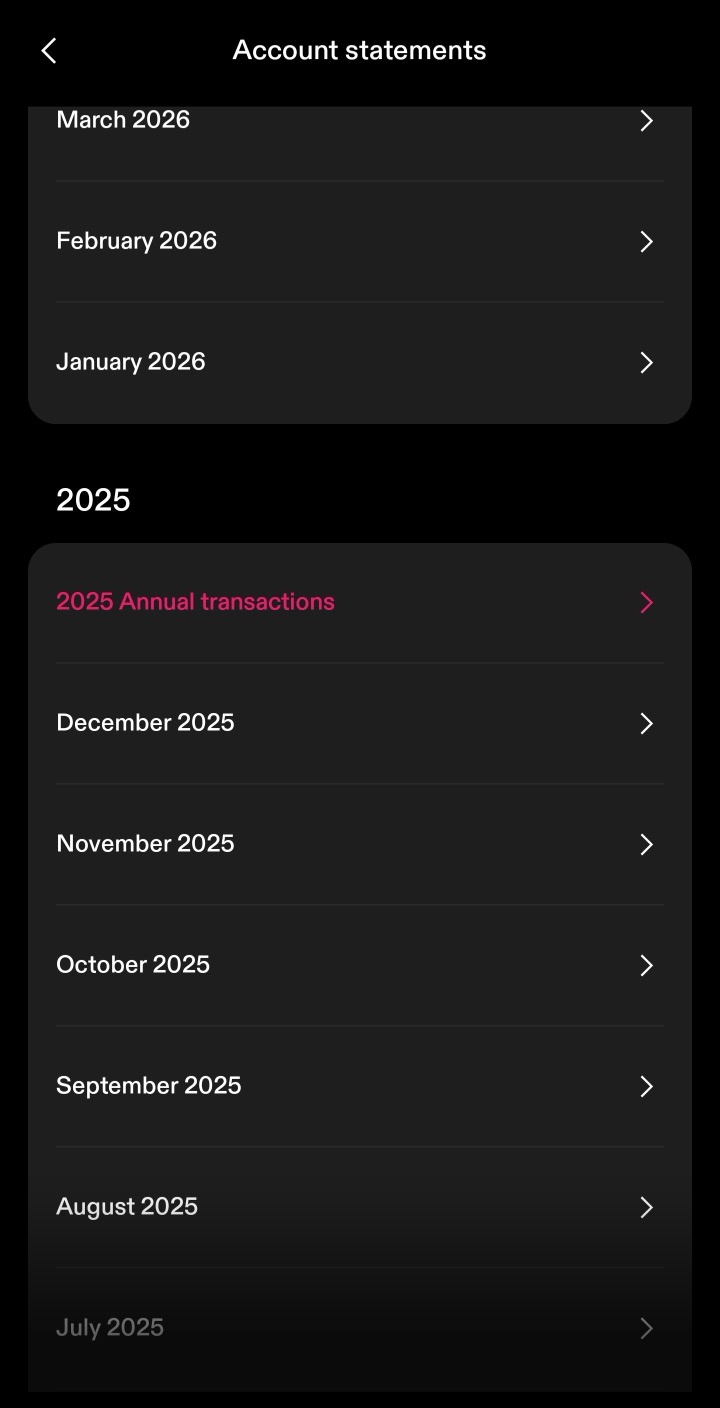
Strike řadí výpisy podle roku. U každého roku, který potřebujete přiznat, klepněte na "Annual transactions" a stáhněte soubor CSV. Stáhněte jeden soubor za každý rok, po který byl účet otevřený — nejen za zdaňovací období, které právě podáváte — aby byla zahrnuta celá historie nákupů, která je potřeba pro správný výpočet pořizovacích cen.
Když se budete držet těchto kroků, budete mít správné soubory pro použití s Tax-Wizard.
Odtud můžete všechny roky nahrát do Tax-Wizard najednou a daňový report máte hotový během několika minut.
Často kladené otázky
Který soubor ze Strike mám stáhnout — měsíční výpis, nebo Annual transactions?
Stáhněte "Annual transactions" ve formátu CSV, jeden soubor za každý rok, po který byl účet otevřený. Právě ten parser Strike v Tax-Wizard načítá: obsahuje všechny nákupy, prodeje, převody Bitcoinu a odměny za daný rok. Měsíční výpisy jsou souhrny a podporovány nejsou.
Co Bitcoin, který jsem poslal do externí peněženky nebo z ní přijal?
Řádky "Send" a "Receive" jsou převody do externích peněženek a z nich a nejde o zdanitelné události — Tax-Wizard je bere jako vklady a výběry, nikoli jako prodeje. Pokud jste daný Bitcoin nakoupili na jiné platformě, nahrajte i soubory z ní, aby byla pořizovací cena úplná.
Proč se čísla z Tax-Wizard mohou lišit od vlastních údajů Strike?
Důvodů je několik: Tax-Wizard vám nechává vybrat metodu stanovení pořizovací ceny (FIFO, LIFO nebo průměrná cena), zatímco vlastní sloupec "Cost Basis" ve Strike může vycházet z jiné konvence. Tax-Wizard také přepočítává částky mimo EUR oficiálními kurzy Evropské centrální banky, které se mohou mírně lišit od kurzů používaných Strike.
Jakou hodnotu má váš čas doopravdy?
Zvažte hodnotu svého času a klid, který přináší spolehlivý a přesný nástroj pro vaše daňové přiznání
(platba pokrývá letošní přiznání za rok 2025 i předchozí roky, obnovení příští rok probíhá ručně)
Premium
Všechny funkce, pro Revolut, Degiro, eToro, XTB, Trading212, Interactive Brokers, Freedom24, Lightyear, Trade Republic, Coinbase, Robinhood Crypto,...
- Podpora všech brokerů a měn
- Automatický výpočet kapitálových zisků
- Report s pořízeními, realizacemi, dividendami a úroky
- Report a statistiky otevřených pozic
- Statistiky transakcí a dividend
- Export otevřených pozic do Yahoo Finance
Business
Všechny funkce Premium, pro účetní, finanční poradce, daňové poradce a další profesionály i firmy, které chtějí Tax-Wizard využívat pro více klientů.
- Podpora všech brokerů a měn
- Automatický výpočet kapitálových zisků
- Report s pořízeními, realizacemi, dividendami a úroky
- Report a statistiky otevřených pozic
- Statistiky transakcí a dividend
- Export otevřených pozic do Yahoo Finance